How text to video works
- Pick a format. The format decides how your text looks: a moving map, an explainer with numbers, a cartoon story, “What if?” and more, 40 in all.
- Write a topic or a script. Write a short topic and the script is written for you; have your own text? Paste it in and edit it.
- Scenes and voice. The text is split into scenes and voiced; each scene is drawn in the format’s style.
- Captions, music and edit. Captions are synced to the voice and the video is edited.
- Watch and fix. Change the text and the voice and captions follow.
Two kinds of text to video
| Tool | What it makes from text | What’s left to you |
|---|---|---|
| Text-to-video models | A few seconds of silent footage from a prompt | Script, voice-over, captions, edit and posting |
| Hype Studio | A voiced, captioned, edited vertical video | Choosing the topic and checking it before it goes out |
Videos your text can become
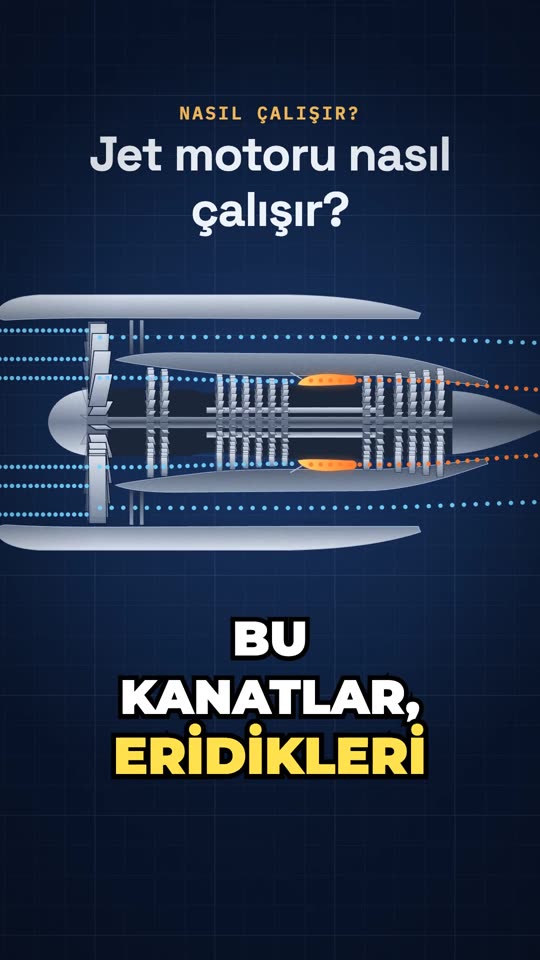 How it worksA video in this format: 79,513,452 views
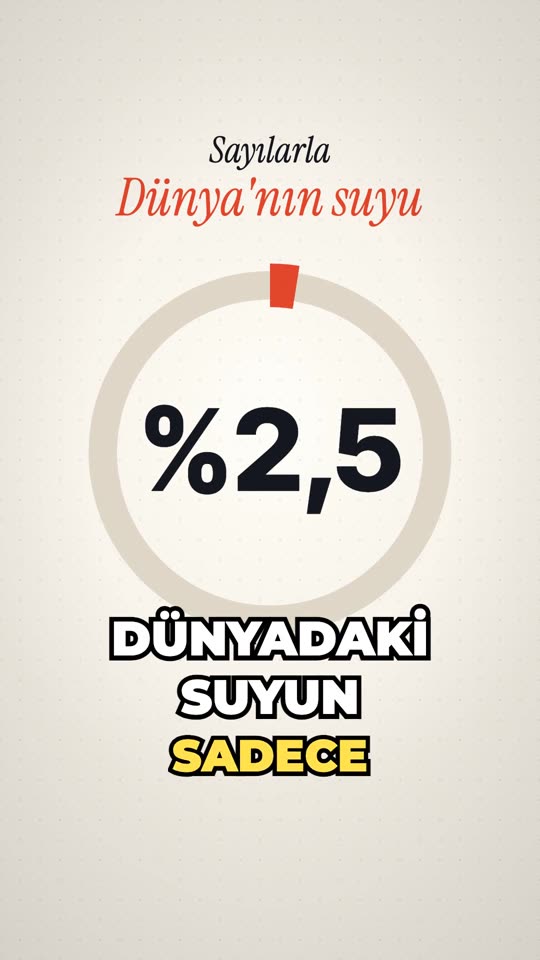 A topic told in numbersA video in this format: 48,164,585 views
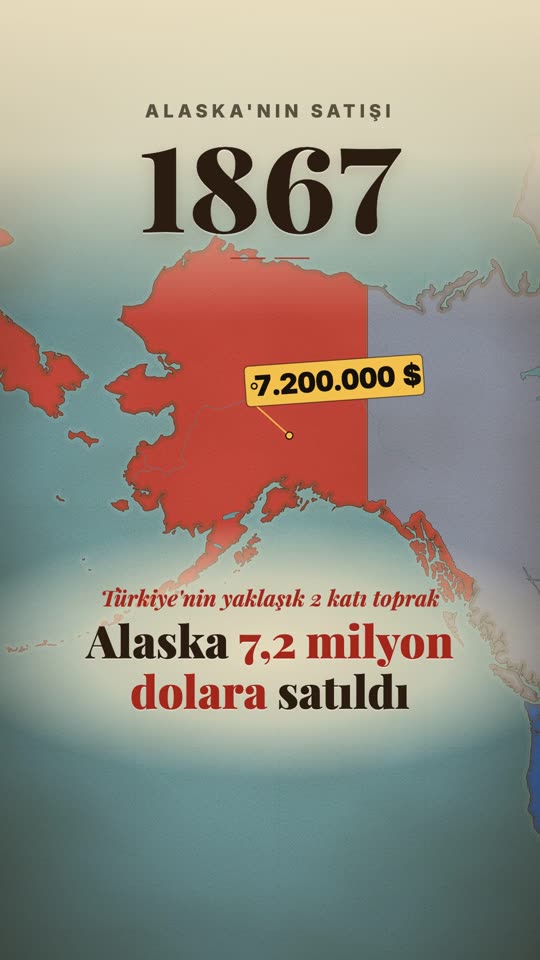 History on a moving mapA video in this format: 35,071,501 views
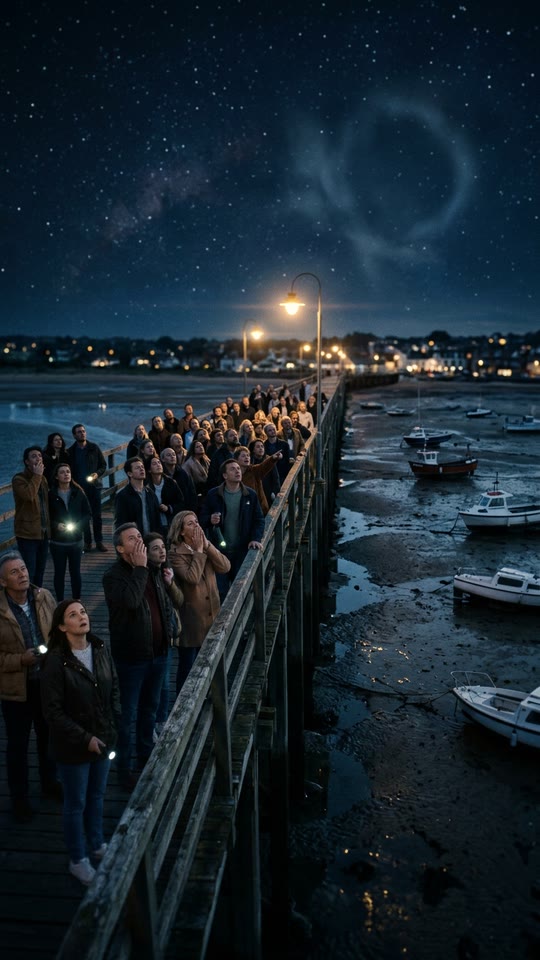 What would happen if…?A video in this format: 171,217,731 views
Views are measured on videos other creators made in these formats, not videos made with Hype Studio.
Writing text that works as video
- Open with curiosity: in short video, viewers stay or swipe in the first seconds.
- Short sentences: each sentence becomes a scene; long ones drag.
- Be concrete: numbers, places, dates and names turn into pictures easily.
- One topic: answer one question per video; a second topic is a second video.
- Listen to names: check how proper names are read and fix the spelling if needed.
Hype Studio pricing
There’s no free plan; plans start at £15 a month. Details in the pricing post.
| Plan | Monthly | Videos | What’s included |
|---|---|---|---|
| Starter | £15 | 3 a week (12 a month) | Videos, series, carousels, your own footage, and running it from ChatGPT or Claude |
| Growth | £29 | 6 a week (25 a month) | Everything in Starter, twice the videos |
| Hype | £37 | Every day (30 a month) | Everything in Growth, the most videos, the Assistant, connected accounts and auto-posting, DM automation, team and brand kit |
Frequently asked questions
Is text to video free?
Hype Studio has no free plan; plans start at £15 a month. Free tools usually add a watermark or limit length or resolution.
Can I use my own script?
Yes. Write a short topic and the script is written for you, or paste your own text and edit it before it goes out.
Which languages does it support?
Voice-overs and captions in English or Turkish. You can also upload your own voice.
How long are the videos?
They’re made for short video: vertical (9:16) and sized for Shorts, TikTok and Reels. The length follows your text and the format.