How to make a video with AI
A video in Hype Studio takes five steps. Your part is choosing the topic and the format; AI prepares the script, the voice, the visuals and the edit, and you have the last word.
- Pick a format. “What if?”, history on a moving map, explainers with numbers, a true story as a cartoon, and more: 40 in all. Each one has a sample video on the formats page.
- Write your topic. One sentence is enough for a single video. For a series, write your topics or pick from the suggestions.
- Choose the voice, music and captions. A natural voice, the video’s music and how the captions look. You can upload your own voice later.
- The video is made. A script that fits the format is written and voiced; scenes are drawn in the format’s look, captions are timed to the speech and the video is edited.
- Watch, edit, post. Watch the video before it goes out; rewrite a scene or fix the script. Then download and post it, or on the Hype plan connect your accounts and have it posted at the time you planned.
What kind of videos can you make?
 What would happen if…?A video in this format: 171,217,731 views
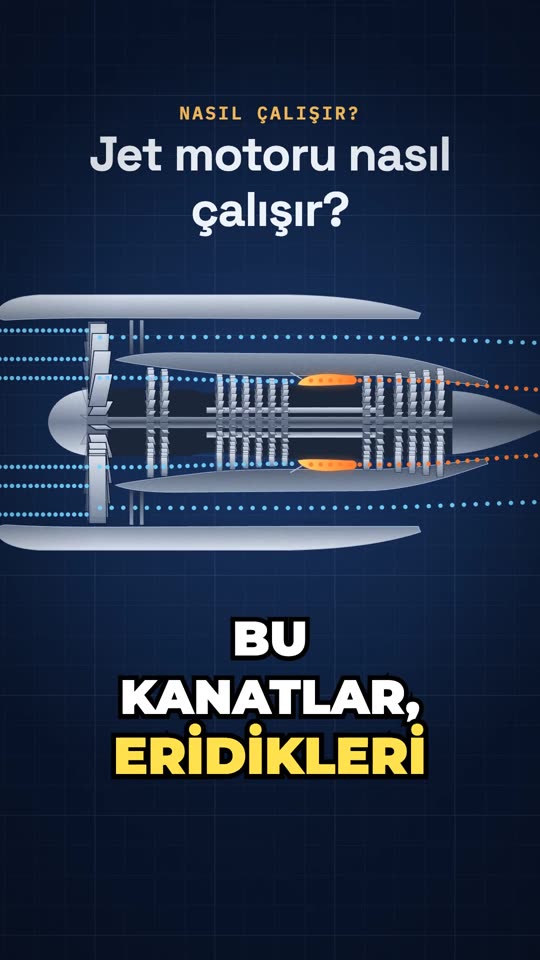 How it worksA video in this format: 79,513,452 views
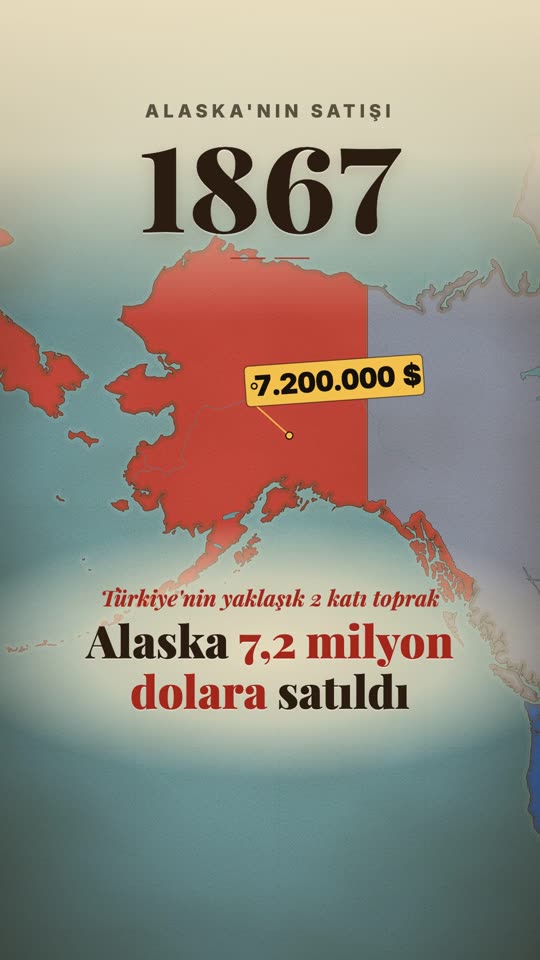 History on a moving mapA video in this format: 35,071,501 views
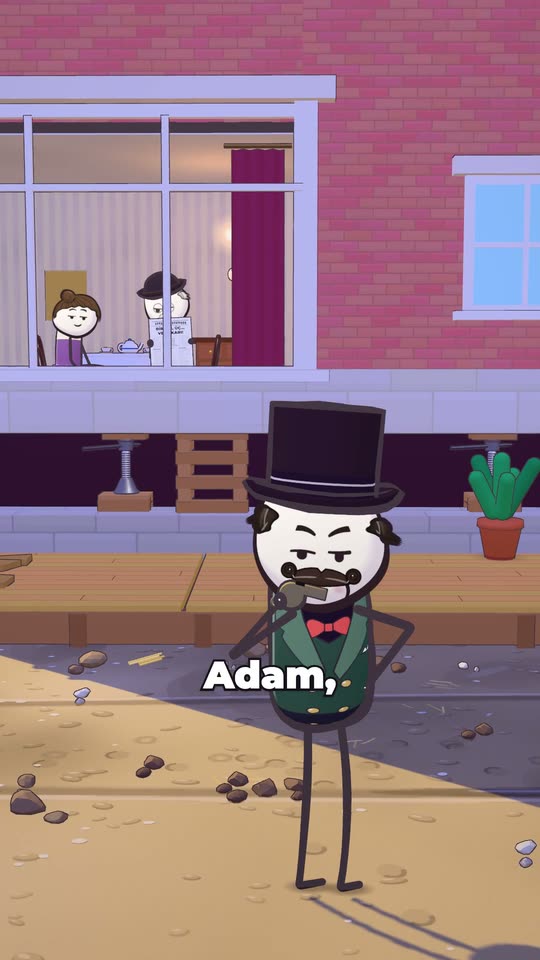 A true story as a cartoonA video in this format: 29,556,496 views
Views are measured on videos other creators made in these formats, not videos made with Hype Studio.
Text to video
Text to video means turning a topic or a script into a video split into scenes, with a voice-over and captions. In Hype Studio you write the topic; the script follows the format’s pattern and becomes the video scene by scene. If you don’t like a line, fix it before the video goes out; the voice and captions follow the new text. More on the text to video page.
What to look for in an AI video generator
- Voice and captions: does the voice sound natural, do the captions match the speech? These shape watch time more than anything.
- How much it does: some tools only make a few seconds of footage; the voice-over, captions and edit are left to you. A video ready to post needs all of them.
- Variety of formats: videos made in one look all start to look alike. YouTube doesn’t monetise videos that feel mass-produced; it calls them inauthentic content.
- Editing: you should be able to change the script, a scene and the voice before posting.
- Posting: will you upload each vertical video to Shorts, TikTok and Reels one by one, or schedule it once?
- Clear pricing: know how many videos you get a month and what they cost.
Video generators: which does what?
| Kind of tool | What it makes | What’s left to you |
|---|---|---|
| Text-to-video models | A few seconds of footage from a prompt | Often the script, voice-over, captions, edit and posting |
| Template video editors | A templated video from footage and text you bring | Finding, writing and placing the content |
| Avatar (presenter) tools | An AI presenter reading your script | The script and posting |
| Hype Studio | A voiced, captioned, edited vertical video or series | Choosing the topic and checking before it goes out |
Hype Studio pricing
There is no free plan; plans start at £15 a month. You can sign up and set up your series without paying, and choose a plan to have the videos made.
| Plan | Monthly | Videos | What’s in it |
|---|---|---|---|
| Starter | £15 | 3 a week (12 a month) | Videos, series, carousels, your own footage, and running it from ChatGPT or Claude |
| Growth | £29 | 6 a week (25 a month) | Everything in Starter, twice the videos |
| Hype | £37 | Every day (30 a month) | Everything in Growth, the most videos, the Assistant, connected accounts and auto-posting, DM automation, team and brand kit |
Frequently asked questions
Is there a free AI video generator?
Hype Studio has no free plan; plans start at £15 a month. You can sign up and set up your series without paying, and choose a plan to have the videos made. Tools with a free plan usually limit it with a watermark, length or resolution; check those before you choose.
Can I make videos in other languages?
Hype Studio voices and captions videos in English or Turkish. Listen to the voice-over before posting and fix the script if a name is read wrong, or upload your own voice.
Do I have to show my face?
No. Every format works faceless: narration, animation, images and captions. You can also upload your own footage and have it edited.
What is the best AI video generator?
It depends on what you want to make. Text-to-video models suit a single striking shot, template editors suit footage you already have, avatar tools suit presenter-led training videos. If you want to post voiced, captioned, edited videos or series to Shorts, TikTok and Reels regularly, a tool that does every step in one flow makes it easier.
Can AI-made videos earn money on YouTube?
They can; YouTube doesn’t ban automation tools. The video has to be original and offer value: videos that feel mass-produced or repeat each other aren’t monetised. More on the YouTube automation page.
Do I have to label videos made with AI?
For realistic content that could mislead viewers, yes: YouTube asks for a disclosure when you upload. Clear animation, drawings and help with the script don’t need one.
Which platforms are the videos for?
Videos are vertical (9:16), made for YouTube Shorts, TikTok and Instagram Reels. On the Hype plan you can connect your accounts and schedule videos to 12 platforms.