How to make a cartoon, step by step (the classic way)
- Story: find an idea you can say in one sentence: a character, a problem, an ending.
- Script: write what happens and what is said in each scene. In a short cartoon, one thing happens per scene.
- Storyboard: sketch the scenes in order and decide how long each lasts.
- Character and background design: draw the characters from a few angles, pick their colours and the places.
- Animatic: time the storyboard to a rough voice track to see the pace before you animate.
- Animation: draw the key frames and the in-betweens, or let the program tween them.
- Sound and edit: record narration and dialogue, add effects and music, place the captions and export in the platform’s size.
Animation is the longest step: at 12 or 24 drawings a second, one minute means hundreds of drawings. That is why most short-video creators choose simple characters, reused places and a narrator who carries the story.
Making a cartoon video with AI
In Hype Studio the structure of each cartoon format is ready: the opening line, the order of scenes, how the characters look, the camera and the narrator. You write the story; the rest follows the format.
- Pick a cartoon format: a true story as a cartoon, a stick figure story, or a fable in a toy town.
- Write your story: one sentence such as “How a war saved the Leaning Tower of Pisa” or “The man who lifted a hotel while its guests ate breakfast”.
- The cartoon is made: the script is written and voiced; scenes are drawn and animated, with music and captions.
- Watch and adjust: watch it before posting and change the text or a scene.
Which cartoons can you make?
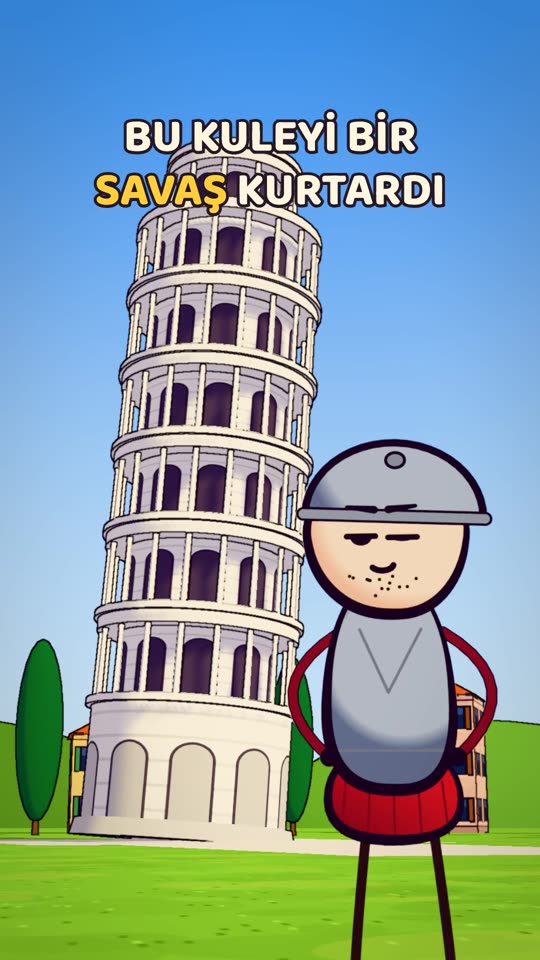 A true story as a cartoonA video in this format: 10,096,570 views
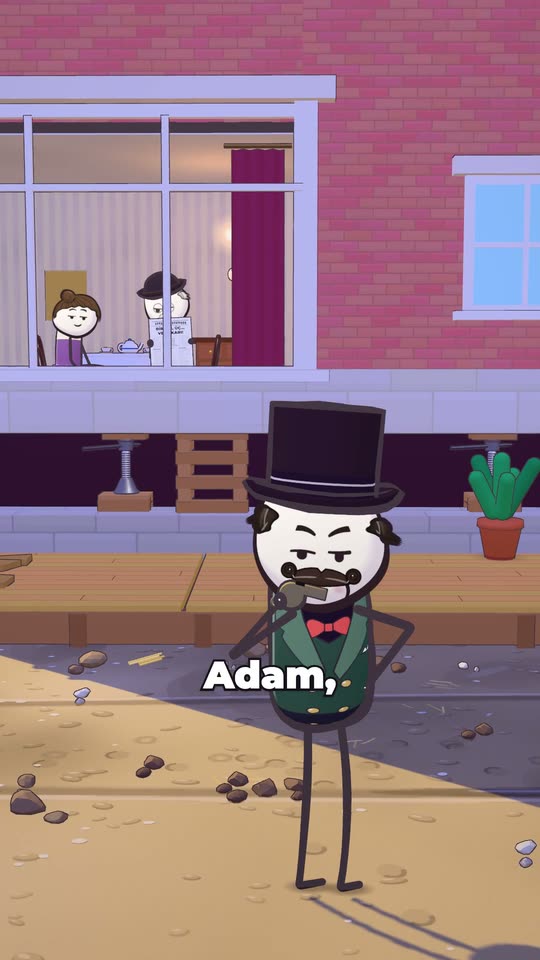 A true story as a cartoonA video in this format: 29,556,496 views
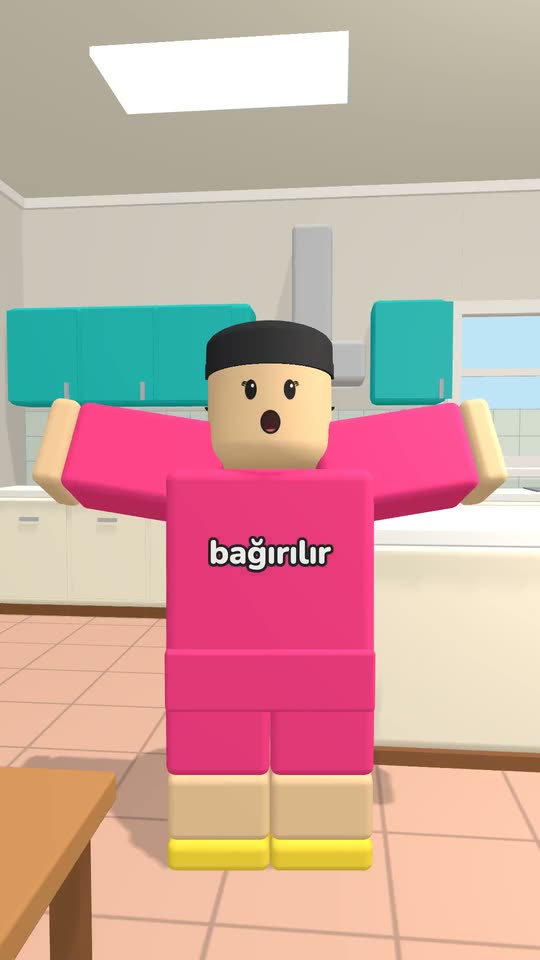 The magic word story
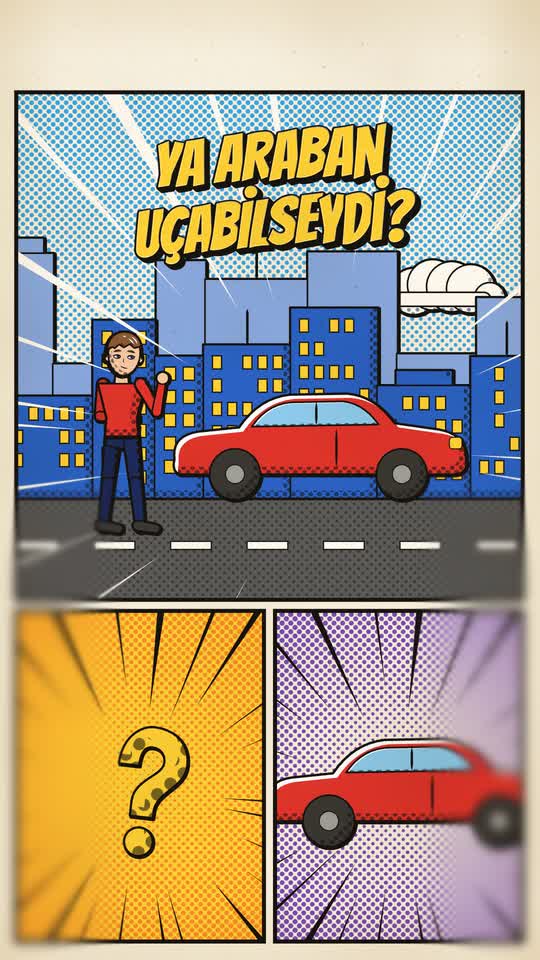 As a comic: what if?
Views are measured on videos other creators made in these formats, not videos made with Hype Studio.
How to write a story for a short cartoon
Short cartoons that keep viewers watching mostly follow the same shape. Hype Studio’s cartoon formats are written in this order:
| Part | What happens | Example |
|---|---|---|
| Hook (first line) | The strange deed or paradox is said straight away, with no setup. | “A man lifted an entire hotel while people inside were eating breakfast.” |
| Setting | Place, time and hero in a line or two. | Which year, which city, what is wrong? |
| Escalation | Each scene raises the stakes a little; short lines, one joke. | Doubters, laughter, a plan that grows. |
| Turn | A “but why?” beat, then the real reason. | The mechanism explained through an everyday comparison. |
| Ending | A twist or an ironic last line; the video ends on the last word. | An ending that loops viewers back to the start. |
For true stories every number and date must be right: viewers catch mistakes in the comments. See which shapes get the most views in the most-watched short-video formats.
Which cartoon video maker should you use?
It depends on how much control you want. To draw every frame yourself, use drawing and animation programs; for regular, short, narrated videos, a tool with ready-made formats fits better.
| Kind of tool | Examples | Best for |
|---|---|---|
| Frame-by-frame drawing and animation | Krita and OpenToonz (free and open source) | People who want to draw their own characters and animate every move. |
| Animation tools with stock characters | Drag-and-drop character and scene libraries | Presentations and training videos where you set up each scene yourself. |
| AI tools with ready-made formats | Hype Studio | People who want narrated, edited short cartoons as a series from a topic. |
Hype Studio is our product. If you want to draw your own character and animate it frame by frame, a classic animation program is the better fit; in Hype Studio the characters come in the format’s own art style.
Can AI cartoon videos be monetized on YouTube?
They can. YouTube asks that videos be original and add value; mass-produced videos that look like copies of each other are not eligible to earn. That is why a different story in every episode matters. More in how to start a faceless YouTube channel.
Hype Studio pricing
There is no free plan; plans start at £15 a month. Details in Hype Studio pricing.
| Plan | Monthly | Videos | What’s included |
|---|---|---|---|
| Starter | £15 | 3 a week (12 a month) | Videos, series, carousels, your own footage, and running it from ChatGPT or Claude |
| Growth | £29 | 6 a week (25 a month) | Everything in Starter, twice the videos |
| Hype | £37 | Every day (30 a month) | Everything in Growth, the most videos, the Assistant, connected accounts and auto-posting, DM automation, team and brand kit |
Frequently asked questions
How do you make a cartoon video?
Find the story, split it into scenes, draw the characters and places, animate them, record the voice and edit. In Hype Studio you pick a cartoon format and write your story; the drawings, motion, voice-over and editing are made.
Do I need to know how to draw?
For classic animation, yes. In Hype Studio, no: characters and scenes come in the format’s art style, and you write the story.
Is there a free cartoon maker?
For drawing frame by frame, Krita and OpenToonz are free and open source. Hype Studio has no free plan; plans start at £15 a month.
Can I make cartoons on my phone?
Hype Studio runs in the browser, so it works on a phone too: pick a format, write your story and download the finished video.
Can I use my own character?
No; characters are made in each format’s own look. To draw your own character, a frame-by-frame program fits better.