How animation is made (the classic way)
- Idea and script: decide what the video says, scene by scene.
- Storyboard: sketch the scenes in order and how long each lasts.
- Characters and backgrounds: draw them or choose ready-made art.
- Movement: animate characters and objects with keyframes.
- Sound: record the narration, add effects and music.
- Edit and export: join the scenes, add captions and export in the platform’s size.
Making animation with AI
Hype Studio shortens these steps with ready-made formats. Each format’s structure (the opening, the order of scenes, the characters, the movement) is set; you write the topic and the rest follows the format.
- Pick an animated format: stick figure story, history on a map, cartoon story, “how it works” or explainer with numbers.
- Write your topic: one sentence, like “the largest borders of the Roman Empire” or “how does a plane fly?”.
- The animation is made: the script is written and voiced; scenes are drawn and moved in code, captions and music are added.
- Watch and fix: watch it before it goes out and change the script or a scene.
Animations you can make
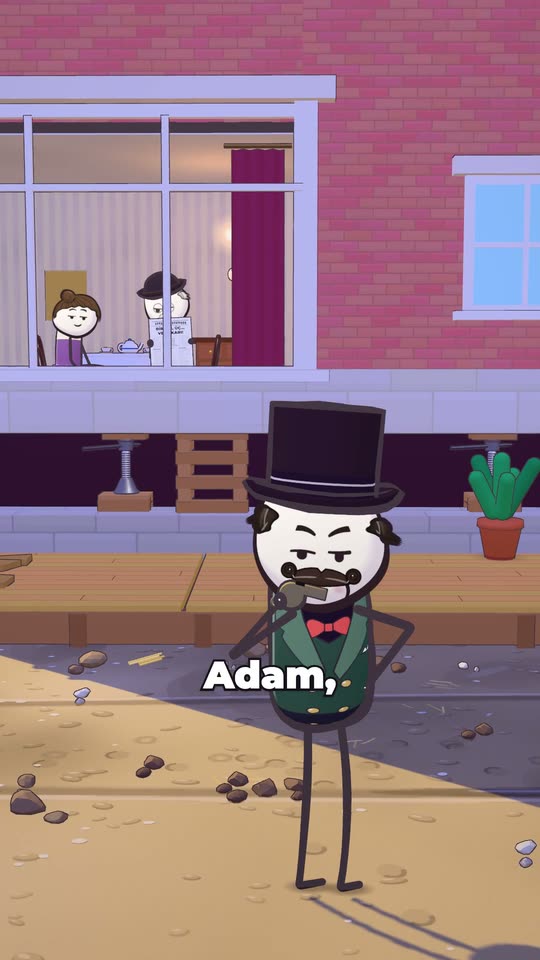 A true story as a cartoonA video in this format: 29,556,496 views
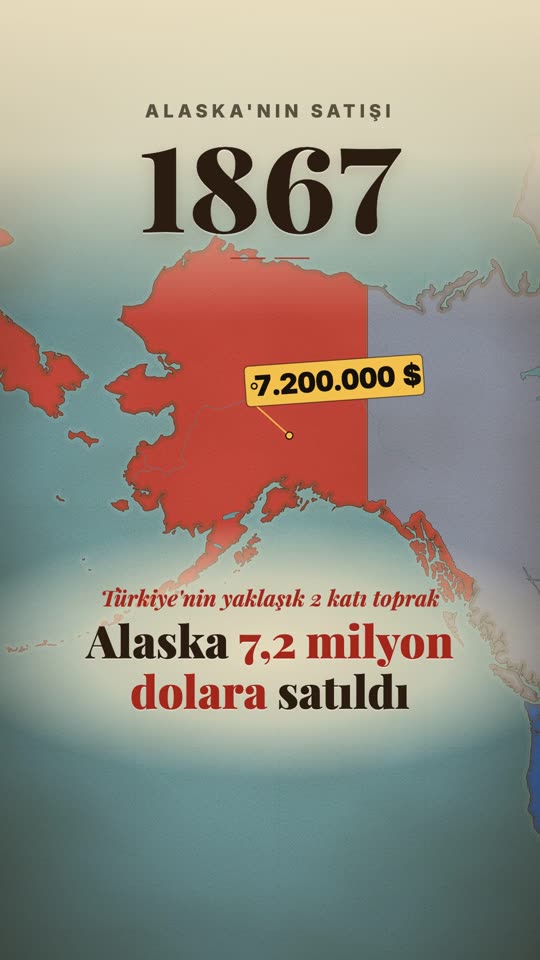 History on a moving mapA video in this format: 35,071,501 views
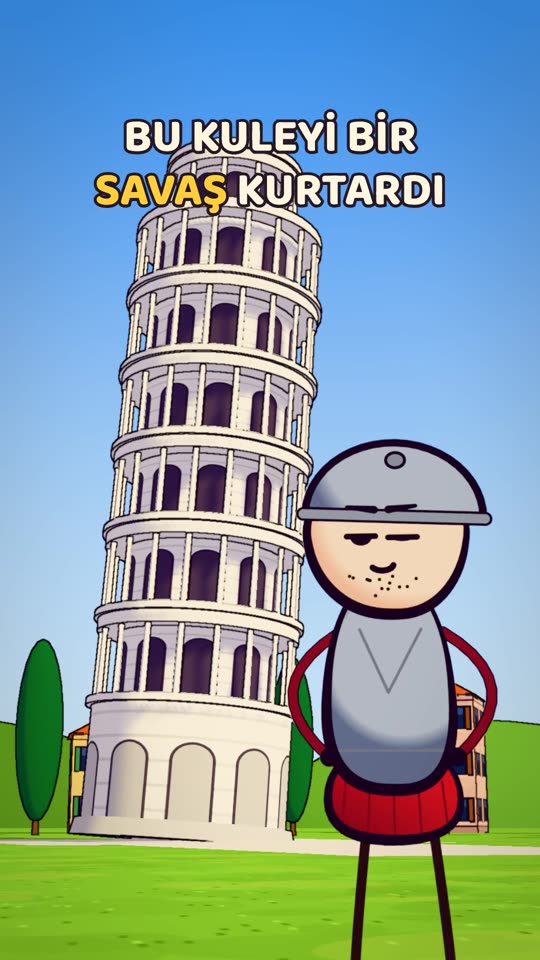 A true story as a cartoonA video in this format: 10,096,570 views
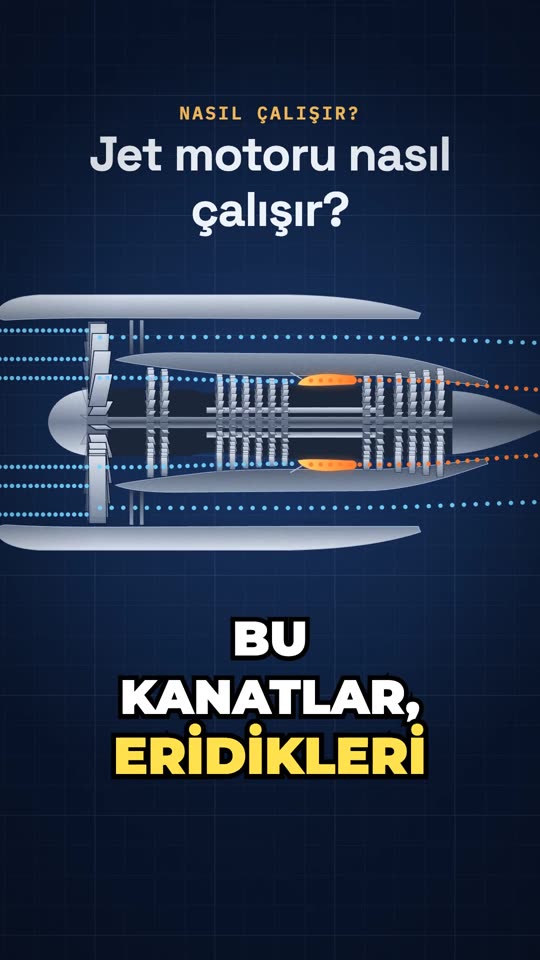 How it worksA video in this format: 79,513,452 views
Views are measured on videos other creators made in these formats, not videos made with Hype Studio.
Stick figure animation
Stick figure videos tell a story or an event with simple characters, so the story stays in front. Split the story into short scenes with one thing happening in each, and match the narration to the scenes. In Hype Studio’s stick figure format you write the topic; the scenes, movement and narration are made. Step by step in the stick figure animation maker; for character stories, the cartoon video maker.
What to look for in an AI animation tool
- How much control do you need? To draw every frame yourself, use classic animation software; for fast, regular videos, a tool with ready-made formats.
- Voice quality: does the narration sound natural?
- Vertical output: can it export 9:16 for Shorts, TikTok and Reels?
- Originality: YouTube doesn’t monetise videos that feel mass-produced or repeat each other; each video needs its own topic.
Hype Studio pricing
There’s no free plan; plans start at £15 a month. Details in the pricing post.
| Plan | Monthly | Videos | What’s included |
|---|---|---|---|
| Starter | £15 | 3 a week (12 a month) | Videos, series, carousels, your own footage, and running it from ChatGPT or Claude |
| Growth | £29 | 6 a week (25 a month) | Everything in Starter, twice the videos |
| Hype | £37 | Every day (30 a month) | Everything in Growth, the most videos, the Assistant, connected accounts and auto-posting, DM automation, team and brand kit |
Frequently asked questions
Do I need to know how to draw?
Not in Hype Studio: scenes and movement are made in code from ready-made formats; you write the topic.
How do I make a stick figure animation?
Split the story into short scenes, one event per scene, and match the narration to them. In Hype Studio’s stick figure format you write the topic and the scenes, movement and voice-over are made.
Is there a free AI animation generator?
Hype Studio has no free plan; plans start at £15 a month. Free tools usually add a watermark or limit length or resolution.
Can AI animations earn money on YouTube?
They can, if each video is original and offers value. More on the YouTube automation page.
Can I draw my own characters?
In Hype Studio the characters are drawn in each format’s own style. To draw every frame yourself, classic animation software fits better.